⏱ 4 min read

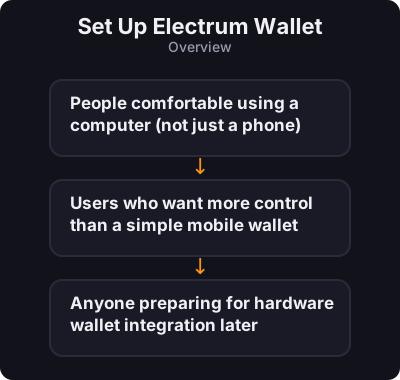
Electrum is a free, open-source Bitcoin wallet for desktop (Windows, Mac, Linux). It has been around since 2011 and is known for being fast, lightweight, and not requiring you to download the entire blockchain. - People comfortable using a computer (not just a phone) - Users who want more control than a simple mobile wallet - Anyone preparing for hardware wallet integration later
Before you start

  • People comfortable using a computer (not just a phone)
  • Users who want more control than a simple mobile wallet
  • Anyone preparing for hardware wallet integration later
Set Up Electrum Wallet
0 / 5
1
Step 1 / 5

Download

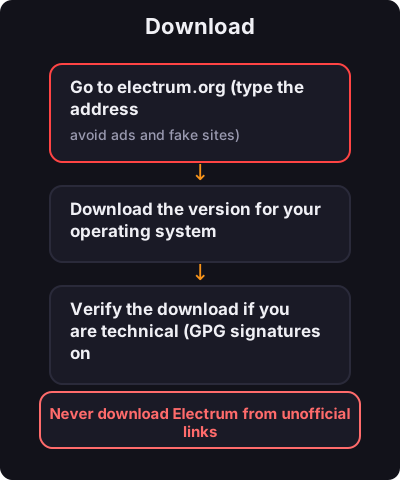
Download
  1. Go to electrum.org (type the address manually — avoid ads and fake sites)
  2. Download the version for your operating system
  3. Verify the download if you are technical (GPG signatures on the site)
2
Step 2 / 5

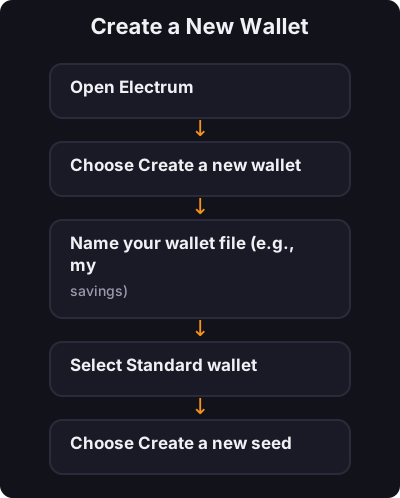
Create a New Wallet

Create a New Wallet
  1. Open Electrum
  2. Choose Create a new wallet
  3. Name your wallet file (e.g., my-savings)
  4. Select Standard wallet
  5. Choose Create a new seed
  6. Select Segwit (recommended for lower fees)
3
Step 3 / 5

Back Up Your Seed

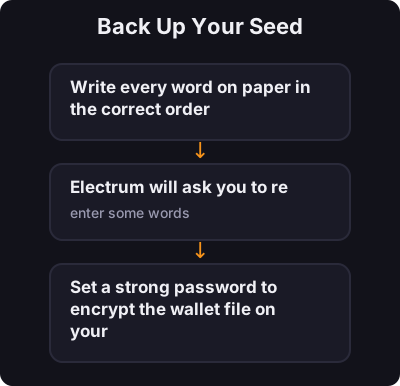
Back Up Your Seed

Electrum shows a 12-word seed phrase:
  1. Write every word on paper in the correct order
  2. Electrum will ask you to re-enter some words — this confirms you wrote them down
  3. Set a strong password to encrypt the wallet file on your computer
4
Step 4 / 5

Receive Bitcoin

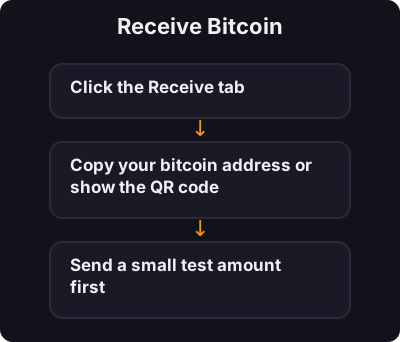
Receive Bitcoin
  1. Click the Receive tab
  2. Copy your bitcoin address or show the QR code
  3. Send a small test amount first
5
Step 5 / 5

Send Bitcoin

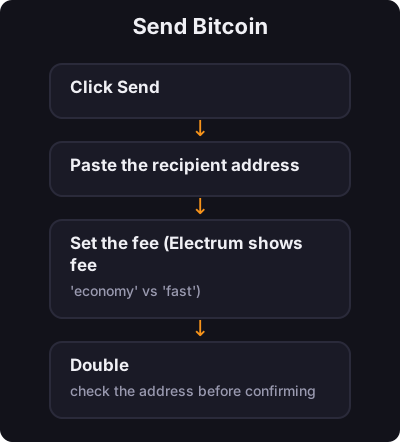
Send Bitcoin
  1. Click Send
  2. Paste the recipient address
  3. Set the fee (Electrum shows fee options — "economy" vs "fast")
  4. Double-check the address before confirming

✅ Key takeaway

Electrum gives you real self-custody on desktop with a proven track record. Back up your seed, use a strong password, and always verify addresses before sending.

← Back to Tutorials