1
How It Works
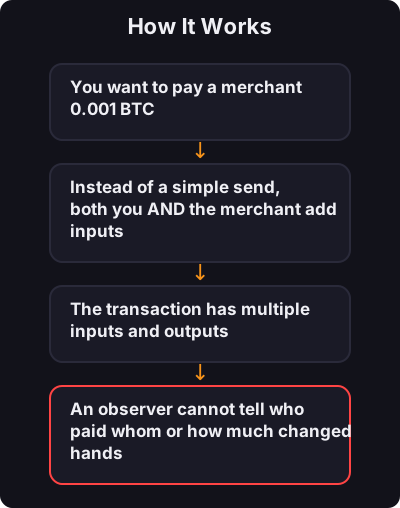
- You want to pay a merchant 0.001 BTC
- Instead of a simple send, both you AND the merchant add inputs
- The transaction has multiple inputs and outputs
- An observer cannot tell who paid whom or how much changed hands
A privacy technique built into payments — harder to detect than CoinJoin, great for everyday use.
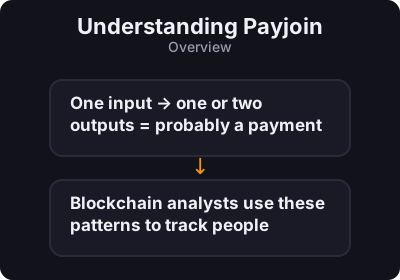
Payjoin (also called P2EP — Pay-to-EndPoint) is a way to make a **normal-looking payment** that also improves privacy for both sender and receiver. Regular bitcoin payments are easy to analyze: - One input → one or two outputs = probably a payment - Blockchain analysts use these patterns to track people

| CoinJoin | Payjoin | |
|---|---|---|
| When | Dedicated mixing session | During a real payment |
| Detectability | Sometimes flagged by exchanges | Looks more like normal activity |
| Best for | Breaking old links | Everyday payments with privacy |
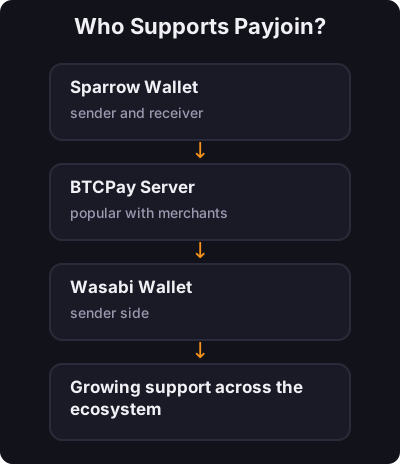
| Setup | Whirlpool, Wasabi | Sparrow + Payjoin-enabled receiver |
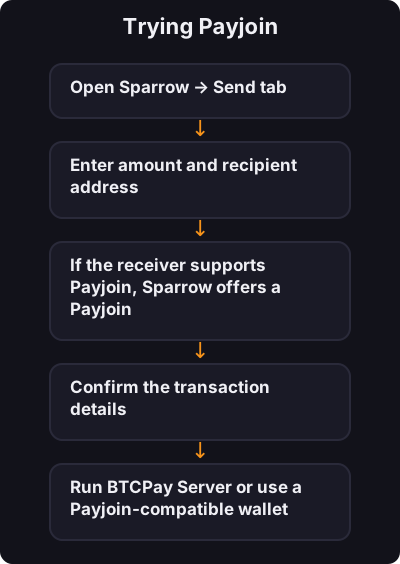
As a sender (Sparrow):
As a receiver:
Payjoin is privacy you can use in real payments without a separate mixing step. Learn CoinJoin first, then explore Payjoin when paying privacy-conscious merchants or friends who use Sparrow or BTCPay.