1
Download
- Android: Search "BlueWallet" on Google Play Store
- iPhone: Search "BlueWallet" on the App Store
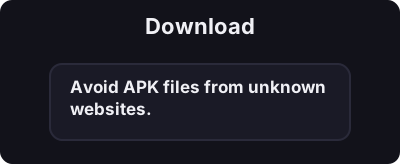
Only download from official app stores. Avoid APK files from unknown websites.
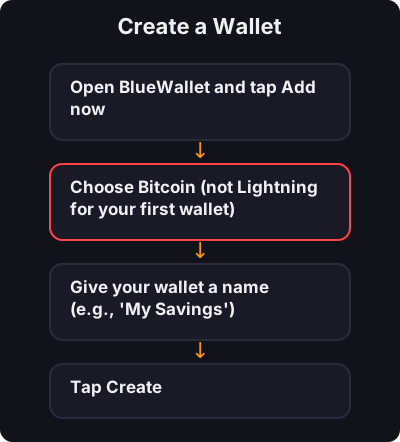
Create your first Bitcoin wallet on your phone in under 5 minutes.
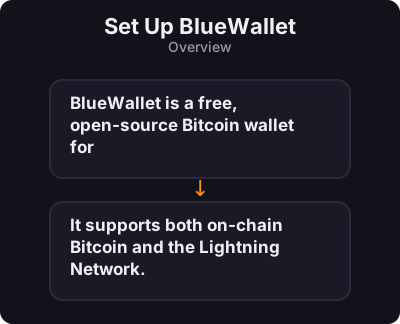
BlueWallet is a free, open-source Bitcoin wallet for iOS and Android. It supports both on-chain Bitcoin and the Lightning Network.
Only download from official app stores. Avoid APK files from unknown websites.
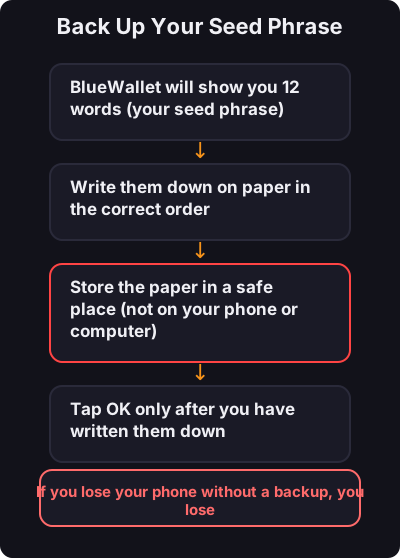
This is the most important step:
- Never screenshot your seed phrase - Test with a small amount first - Consider a separate Lightning wallet for small daily payments