⏱ 4 min read

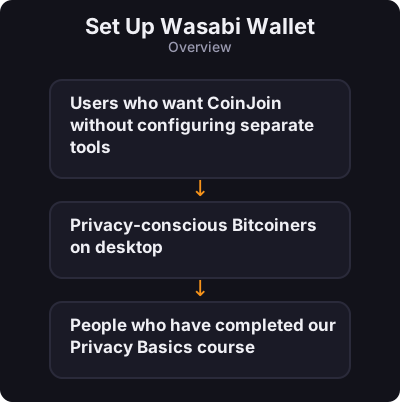
Wasabi is a free, open-source desktop Bitcoin wallet built for **privacy by default**. Its standout feature is **WabiSabi CoinJoin** — mixing built directly into the wallet. - Users who want CoinJoin without configuring separate tools - Privacy-conscious Bitcoiners on desktop - People who have completed our Privacy Basics course
Before you start

  • Users who want CoinJoin without configuring separate tools
  • Privacy-conscious Bitcoiners on desktop
  • People who have completed our Privacy Basics course
Set Up Wasabi Wallet
0 / 7
1
Step 1 / 7

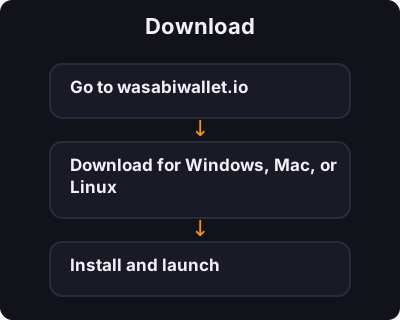
Download

Download
  1. Go to wasabiwallet.io
  2. Download for Windows, Mac, or Linux
  3. Install and launch
2
Step 2 / 7

Create a Wallet

Create a Wallet
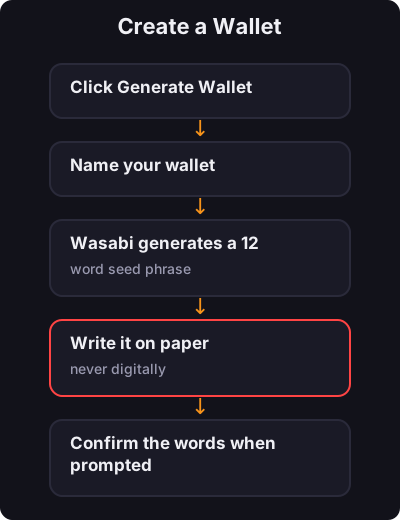
  1. Click Generate Wallet
  2. Name your wallet
  3. Wasabi generates a 12-word seed phrase
  4. Write it on paper — never digitally
  5. Confirm the words when prompted
  6. Set a strong password
3
Step 3 / 7

Fund Your Wallet

Fund Your Wallet
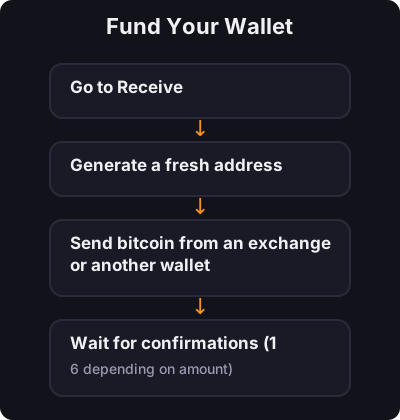
  1. Go to Receive
  2. Generate a fresh address
  3. Send bitcoin from an exchange or another wallet
  4. Wait for confirmations (1–6 depending on amount)
4
Step 4 / 7

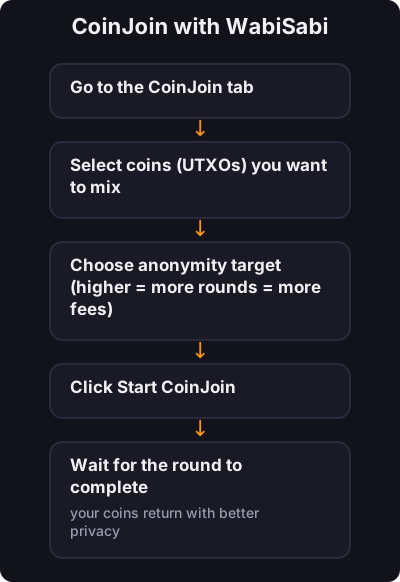
CoinJoin with WabiSabi

CoinJoin with WabiSabi
  1. Go to the CoinJoin tab
  2. Select coins (UTXOs) you want to mix
  3. Choose anonymity target (higher = more rounds = more fees)
  4. Click Start CoinJoin
  5. Wait for the round to complete — your coins return with better privacy
5
Step 5 / 7

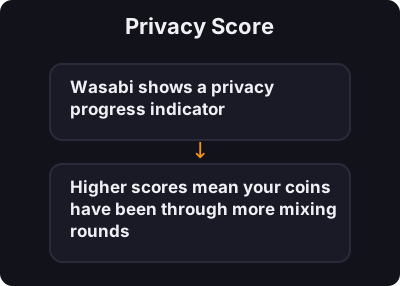
Privacy Score

Privacy Score

Wasabi shows a privacy progress indicator. Higher scores mean your coins have been through more mixing rounds and are harder to trace.
6
Step 6 / 7

Sending from Wasabi

Sending from Wasabi
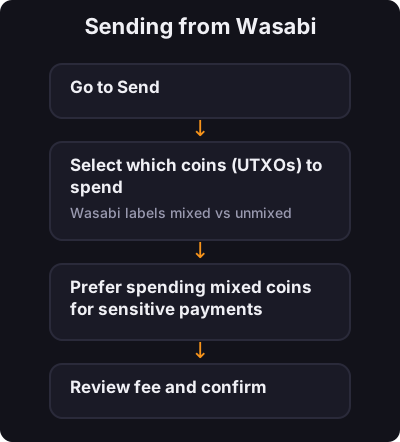
  1. Go to Send
  2. Select which coins (UTXOs) to spend — Wasabi labels mixed vs unmixed
  3. Prefer spending mixed coins for sensitive payments
  4. Review fee and confirm
7
Step 7 / 7

Wasabi vs Sparrow + Whirlpool

Wasabi vs Sparrow + Whirlpool
Wasabi Sparrow + Whirlpool
Ease All-in-one Two tools to learn
CoinJoin WabiSabi (flexible amounts) Fixed pool sizes
Node Built-in coordination Connect your own node
Hardware wallet Limited Excellent support

✅ Key takeaway

Wasabi is the easiest path to CoinJoin on desktop for beginners who want privacy tools built in. Master self-custody first, then use Wasabi for mixing when you are ready.

← Back to Tutorials