⏱ 4 min read

Sending Lightning payments feels like UPI — scan, tap, done. Let's walk through the basics.

Send & Receive on Lightning
0 / 5
1
Step 1 / 5

Receiving Lightning

Receiving Lightning

Option A — Lightning Invoice

  1. Open your wallet → tap Receive
  2. Enter amount (optional) → wallet creates an invoice
  3. Share the invoice QR code or text string with the sender
  4. Payment arrives in 1–3 seconds

Option B — Lightning Address Some wallets support addresses like yourname@wallet.com — easier to share than long invoices.
2
Step 2 / 5

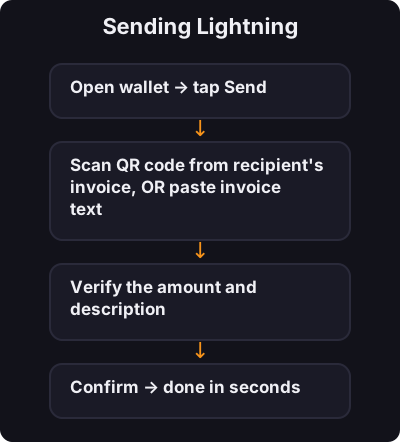
Sending Lightning

Sending Lightning
  1. Open wallet → tap Send
  2. Scan QR code from recipient's invoice, OR paste invoice text
  3. Verify the amount and description
  4. Confirm → done in seconds
3
Step 3 / 5

Understanding Invoices

Understanding Invoices

A Lightning invoice is a one-time payment request. It includes:

  • Amount (in sats)
  • Expiry time
  • Payment route info

Invoices are not reusable — create a new one for each payment you want to receive.

4
Step 4 / 5

Fees on Lightning

Fees on Lightning
  • Sending: usually 0–2 sats (fractions of a rupee)
  • Receiving: often free
  • Opening channels: may have a small on-chain fee (wallet handles this)

Much cheaper than on-chain for small amounts.

5
Step 5 / 5

Safety Rules

Safety Rules
  1. Verify before paying — scams use fake invoices
  2. Don't pay unknown QR codes from strangers online
  3. Start small — test with ₹50 before larger amounts
  4. Keep seed phrase offline — never enter it in any app popup

✅ Key takeaway

Receive via invoice QR, send by scanning or pasting. Payments are instant and cheap. Verify amounts, start small, and never share your seed phrase.

🎯

Quest Challenge

Answer correctly to earn XP and unlock the next quest.